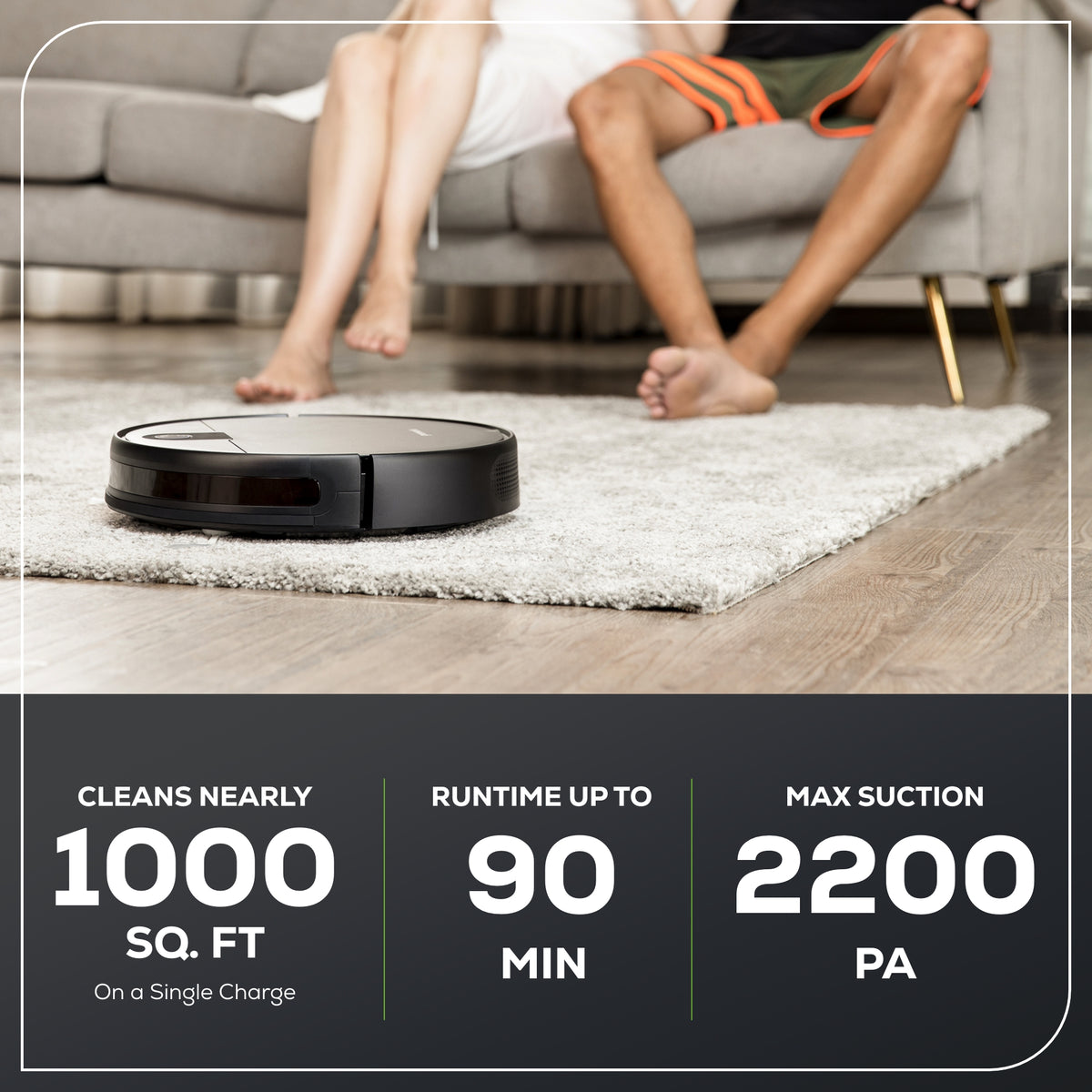
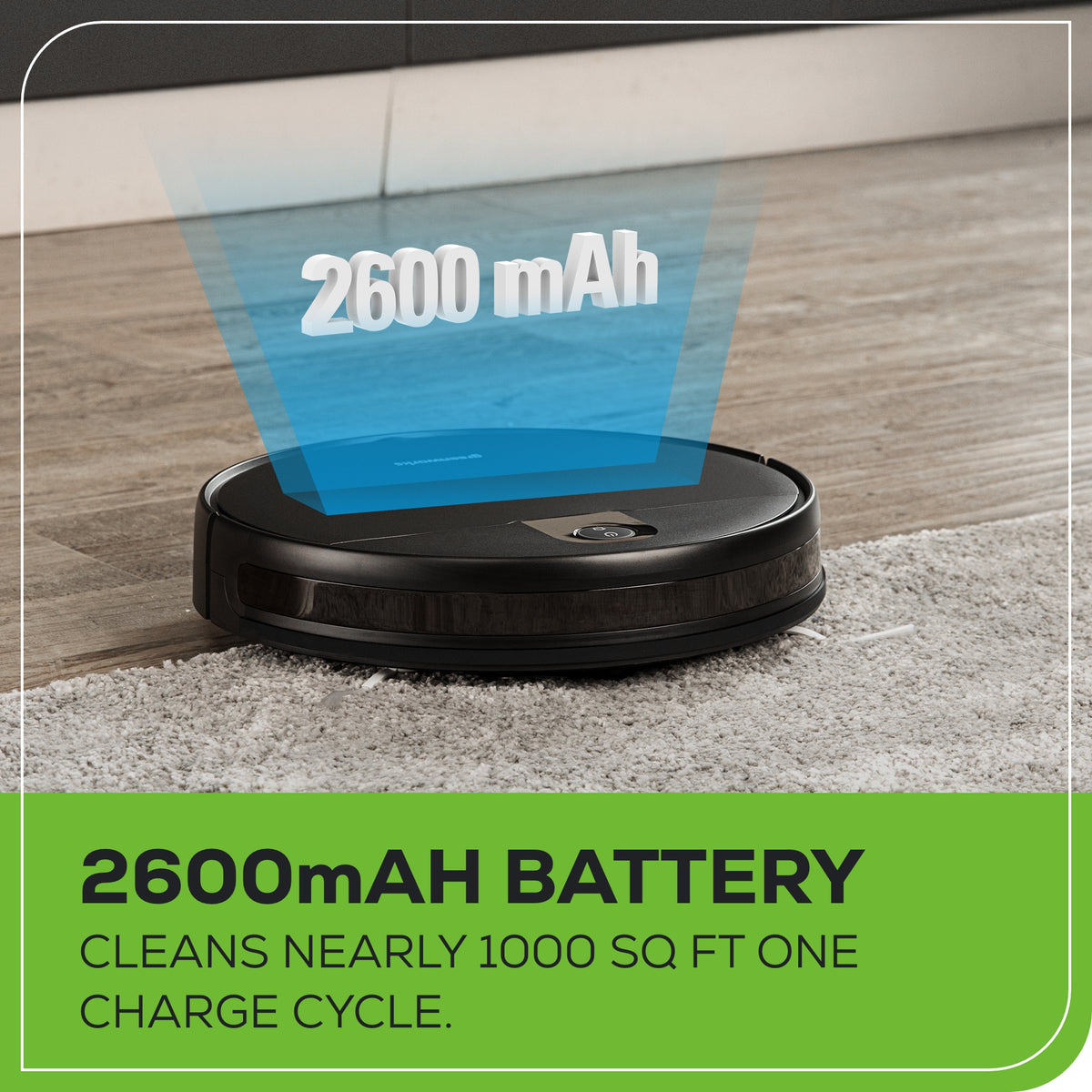
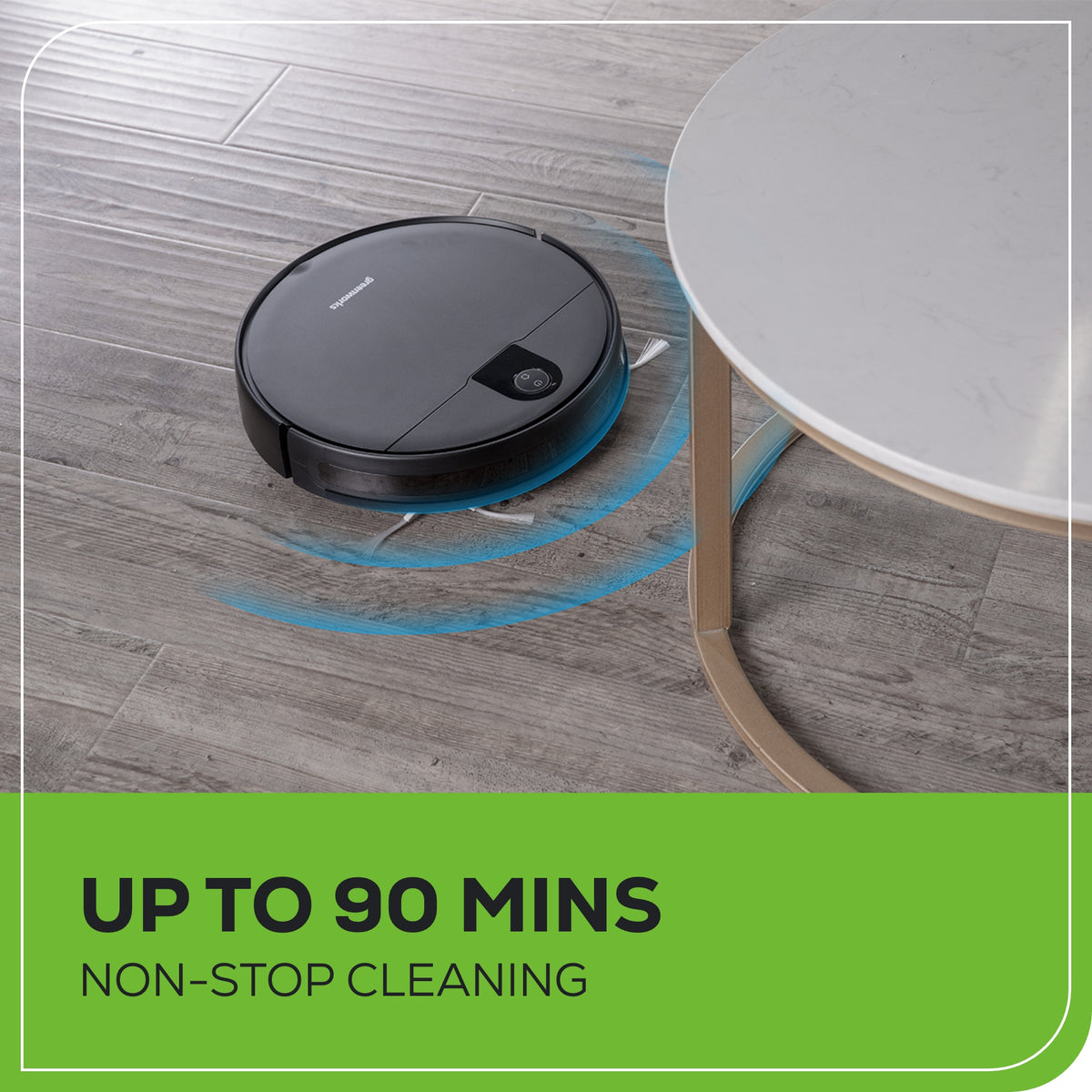
90 Minutes Non-stop Cleaning: Cleans nearly 1000 sq ft one charge cycle.
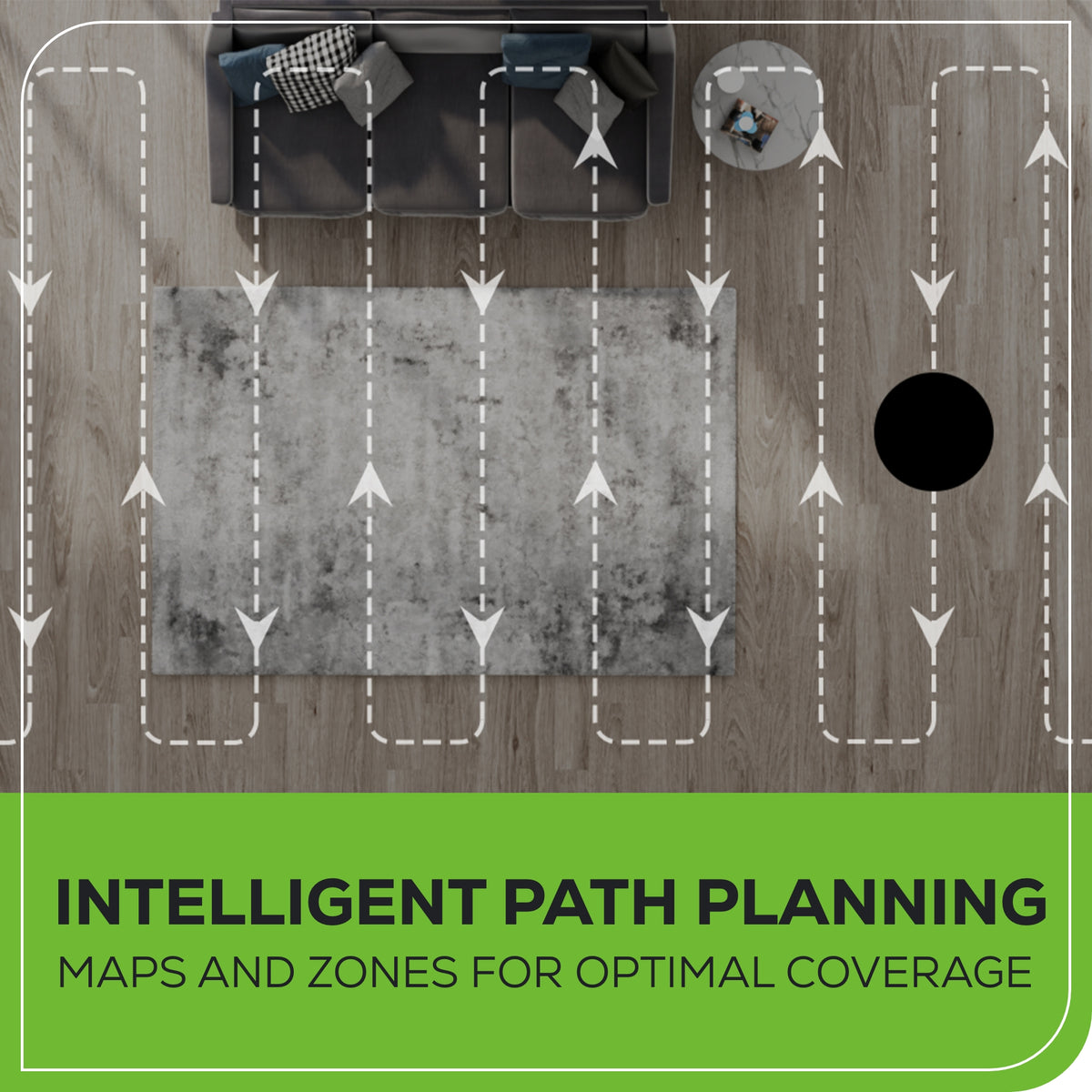
Real-time Drawing of Room Map - Laser navigation and SLAM technology offers intelligent and real-time path planning.
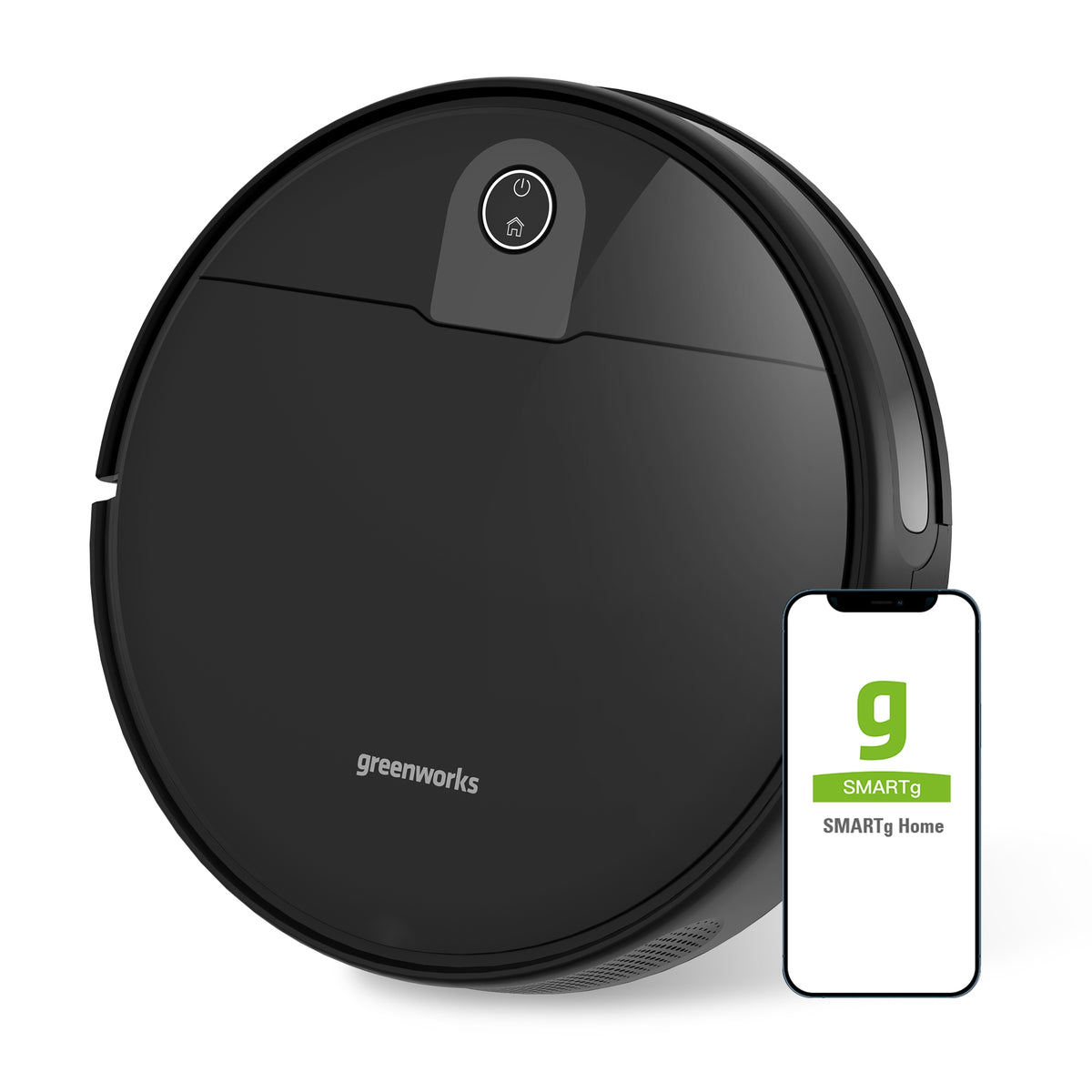
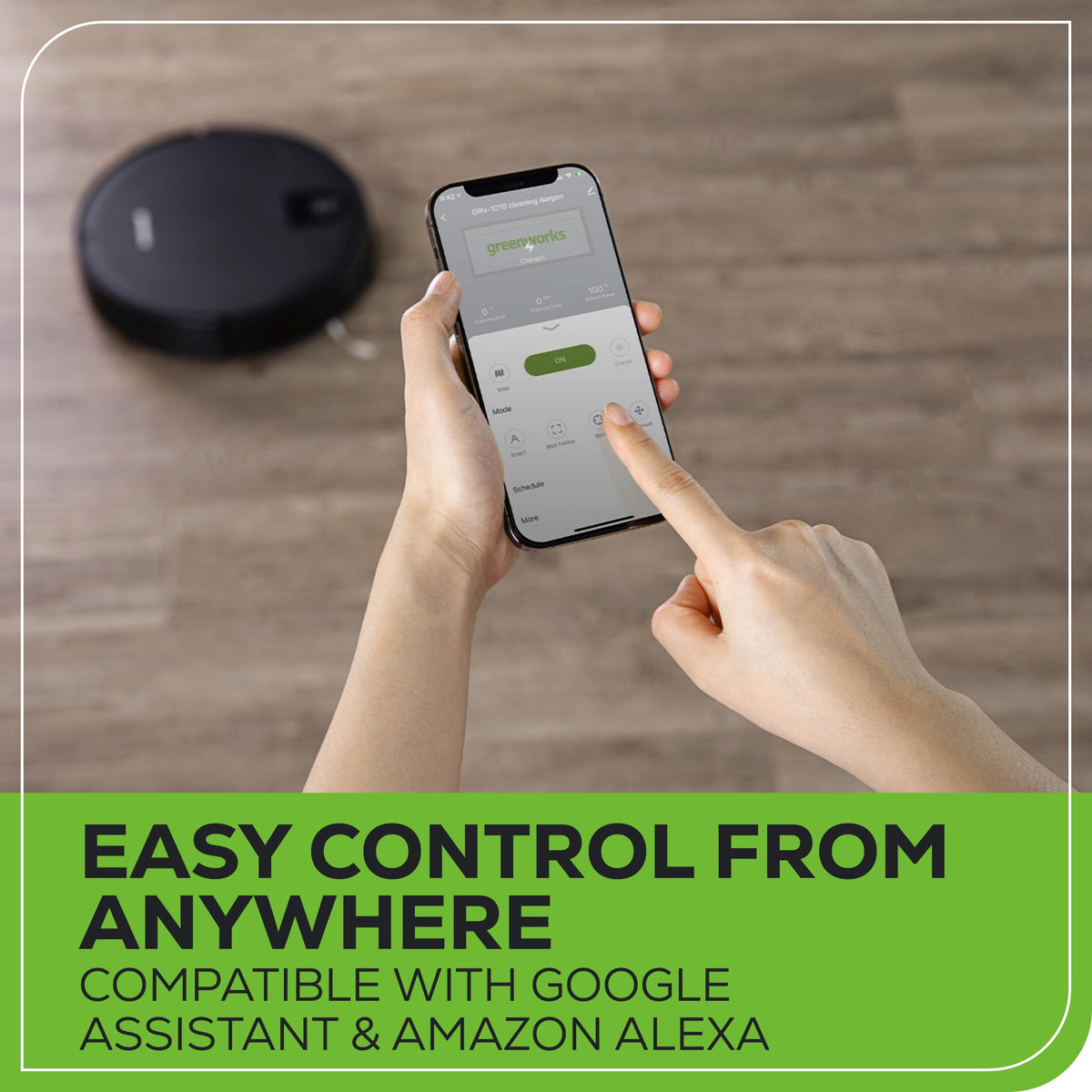
Remote Control Cleaning - Control the robot remotely through the SMARTg APP, even while away.
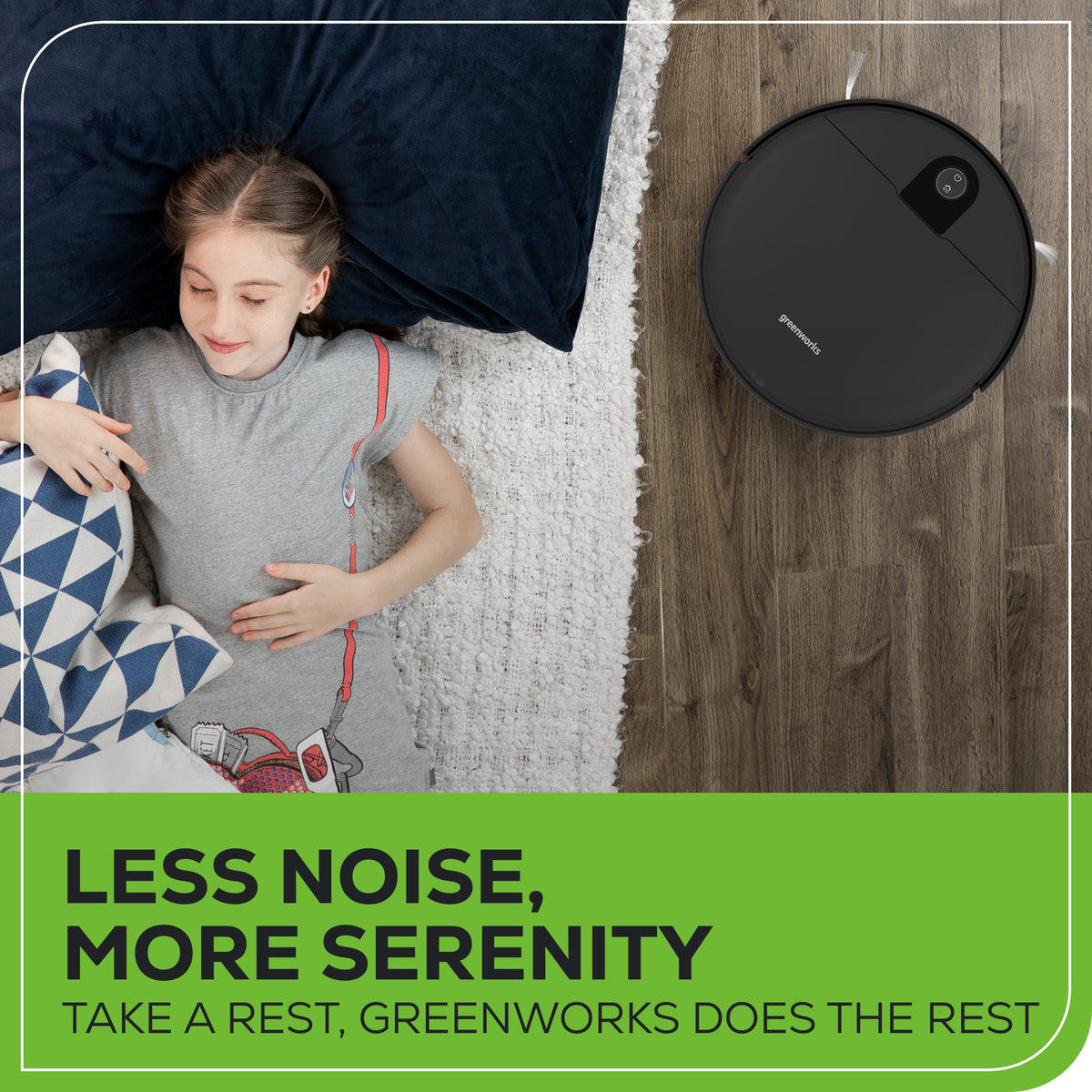
Four Suction Levels - 2200Pa robotic vacuum cleaner has four suction levels: Quiet, Standard, Medium, Powerful.
Specifications & Guides
Max Suction
2200 PA
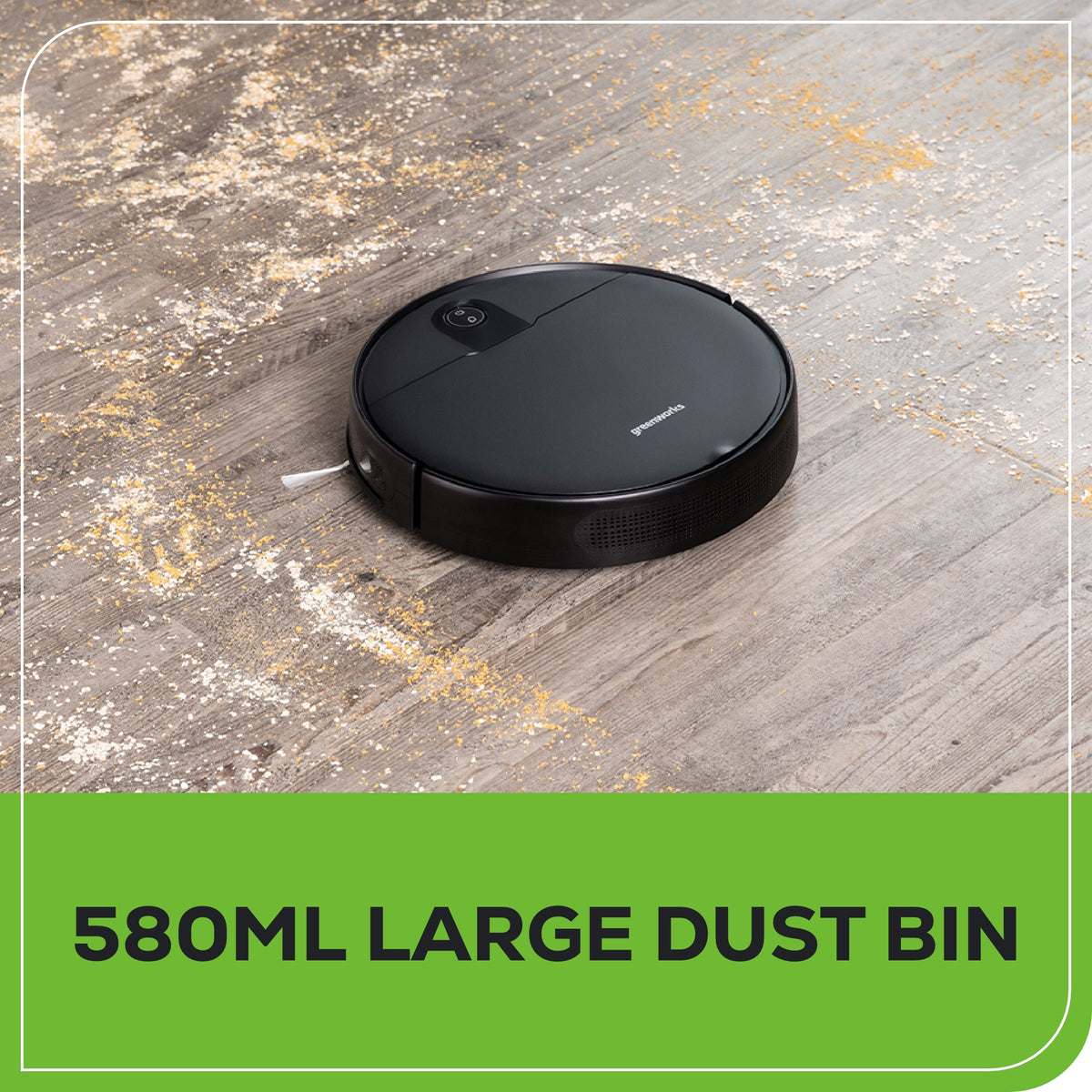
Dust Bin
580 ml
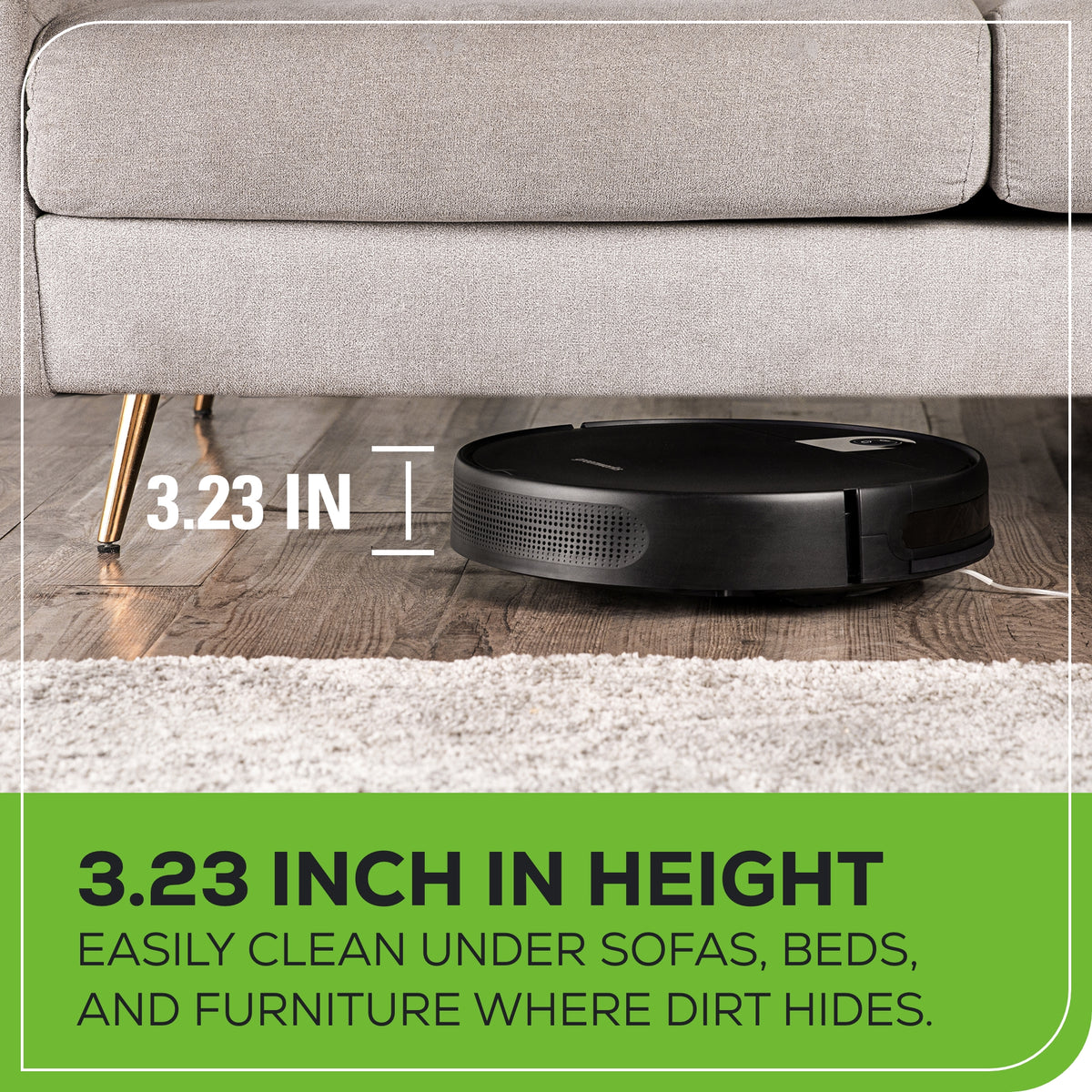
Height
3.23"
Battery Capacity
2600mAh
Max Cleaning Capacity
1000 SQ Ft.
Remote Control
SMARTg App
Max Runtime
90 Mins.
Product Specifications
Product Warranty
1-Year
Package Dimensions
20.8" L x 5.4" W x 17.2" H
Product Weight
5 Lbs
Additional Details
Key features
90 Minutes Non-stop Cleaning: Cleans nearly 1000 sq ft one charge cycle.
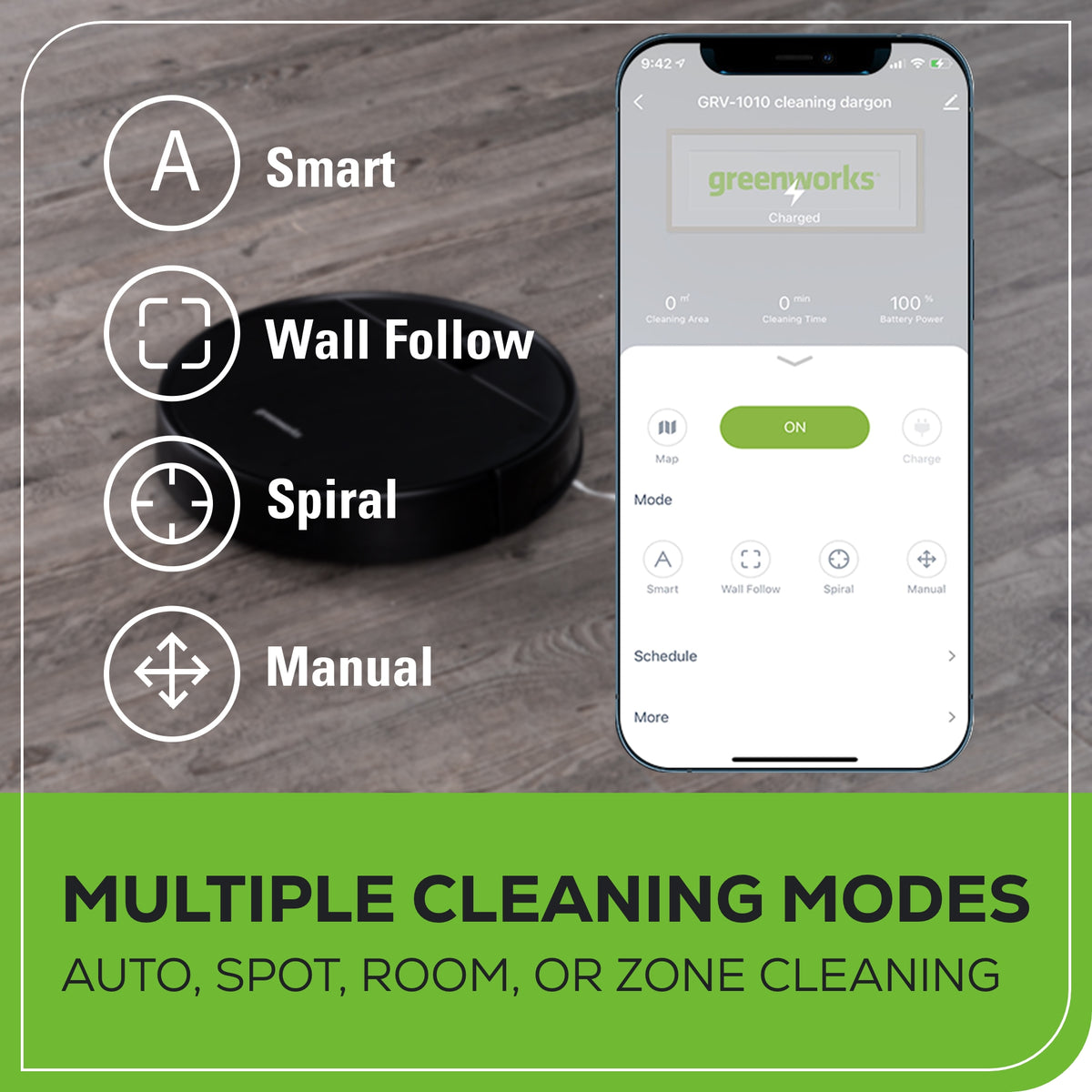
Multiple Cleaning Modes: Using the SMARTg app, you can select Auto, Spot, Room, or Zone cleaning as well as adjust the suction from Quiet, Standard, Power, and Max modes.
Intelligent Path Planning: Precision navigation plots the most efficient route creating a map and dividing into zones for optimal coverage.
Smart App Controlled: Compatible with Google Assistant, & Alexa, the SMARTg app allows you to program and run your vacuum even when you are not at home.
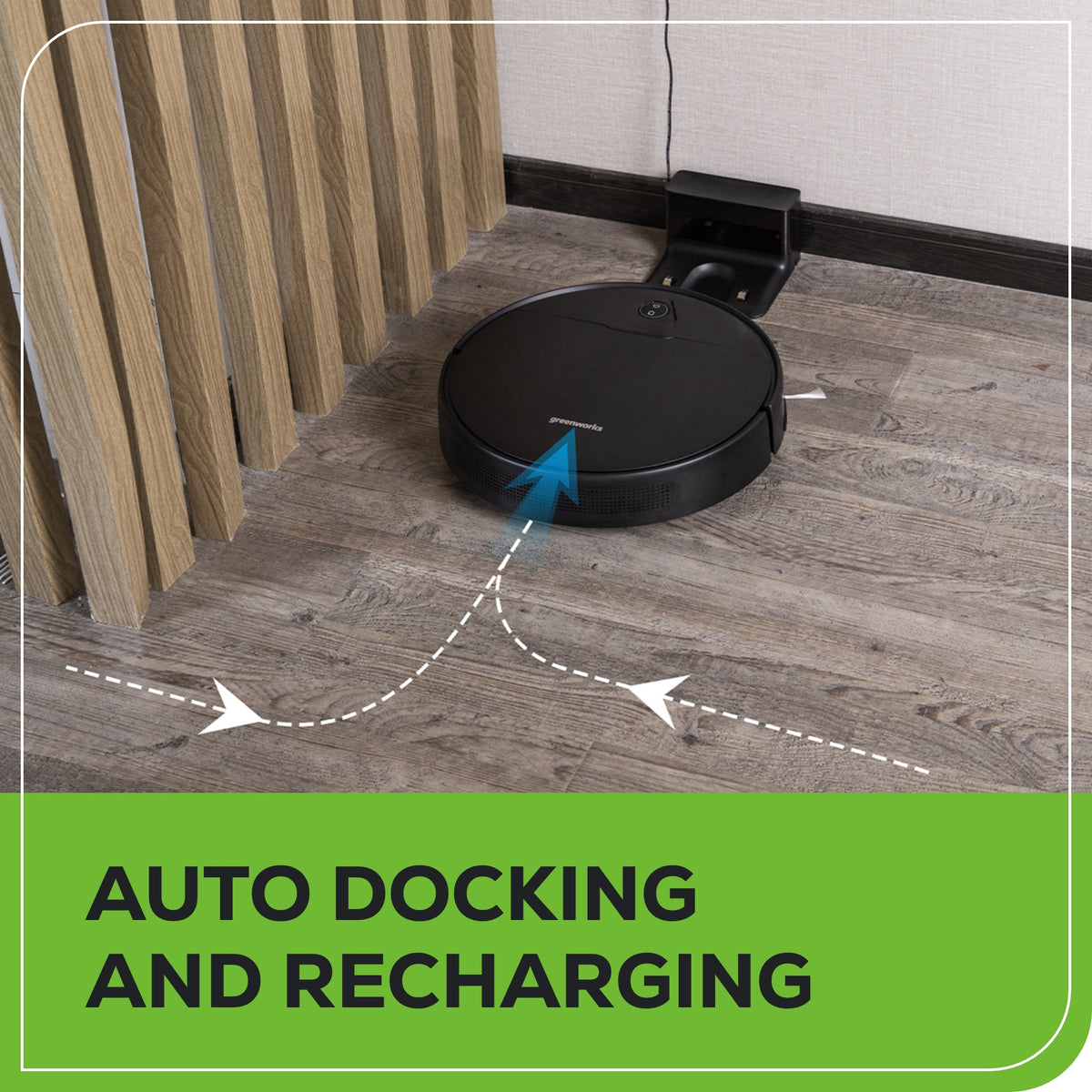
Auto Docking and Recharging
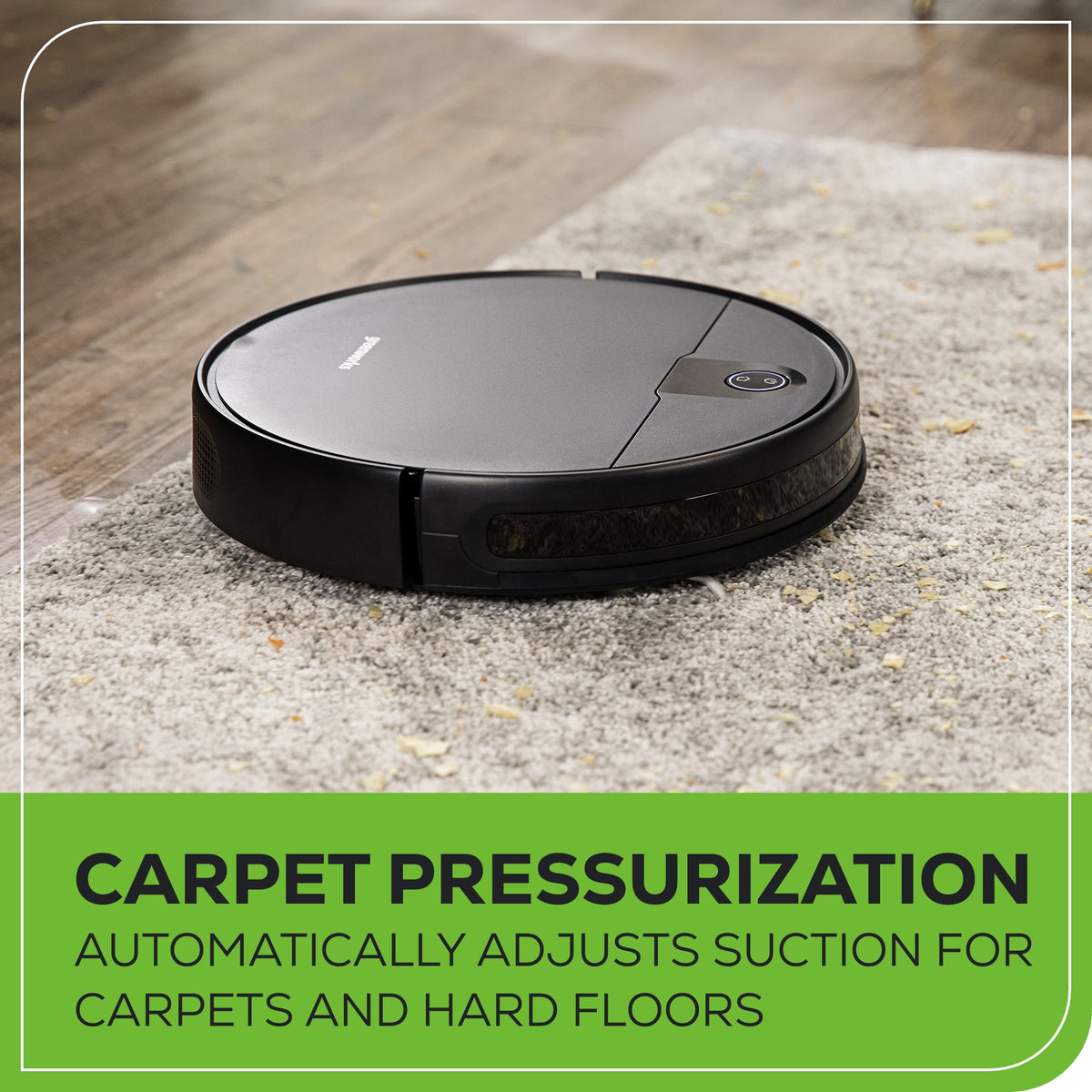
Powerful Suction: Strong 2200Pa suction removes dirt and debris on a variety of surfaces.
Help & FAQ
Why does my robotic vacuum run off-schedule?
If the vacuum is not following the scheduled cleaning time, try the following:
Uninstall and reinstall the mobile app
Ensure the vacuum is fully charged before syncing it again
What happens if the battery is completely discharged while cleaning?
If the robotic vacuum cannot return to the charging dock on its own (e.g., if it gets stuck), you can manually place it on the charging station. Even with 0% battery, it will begin charging automatically.
Does the vacuum support magnetic strips for zone control?
No, this robotic vacuum does not support magnetic strips. However, it features four cleaning modes:
(A)Wall-Following Mode: The vacuum cleans along walls for 30 minutes before returning to the dock
(B)Spot Cleaning Mode: Direct the vacuum to a specific area via the app, where it will clean in a 1-meter radius spiral.
(C)Quick Cleaning Mode: The vacuum follows a bow-shaped pattern for efficient cleaning.
(D)Scheduled Cleaning Mode: Set a custom cleaning schedule via the app. The vacuum will return to the dock when finished.
How long does the first full charge take?
The initial charge takes approximately 4.5 hours for optimal performance.
Can I schedule weekly cleanings?
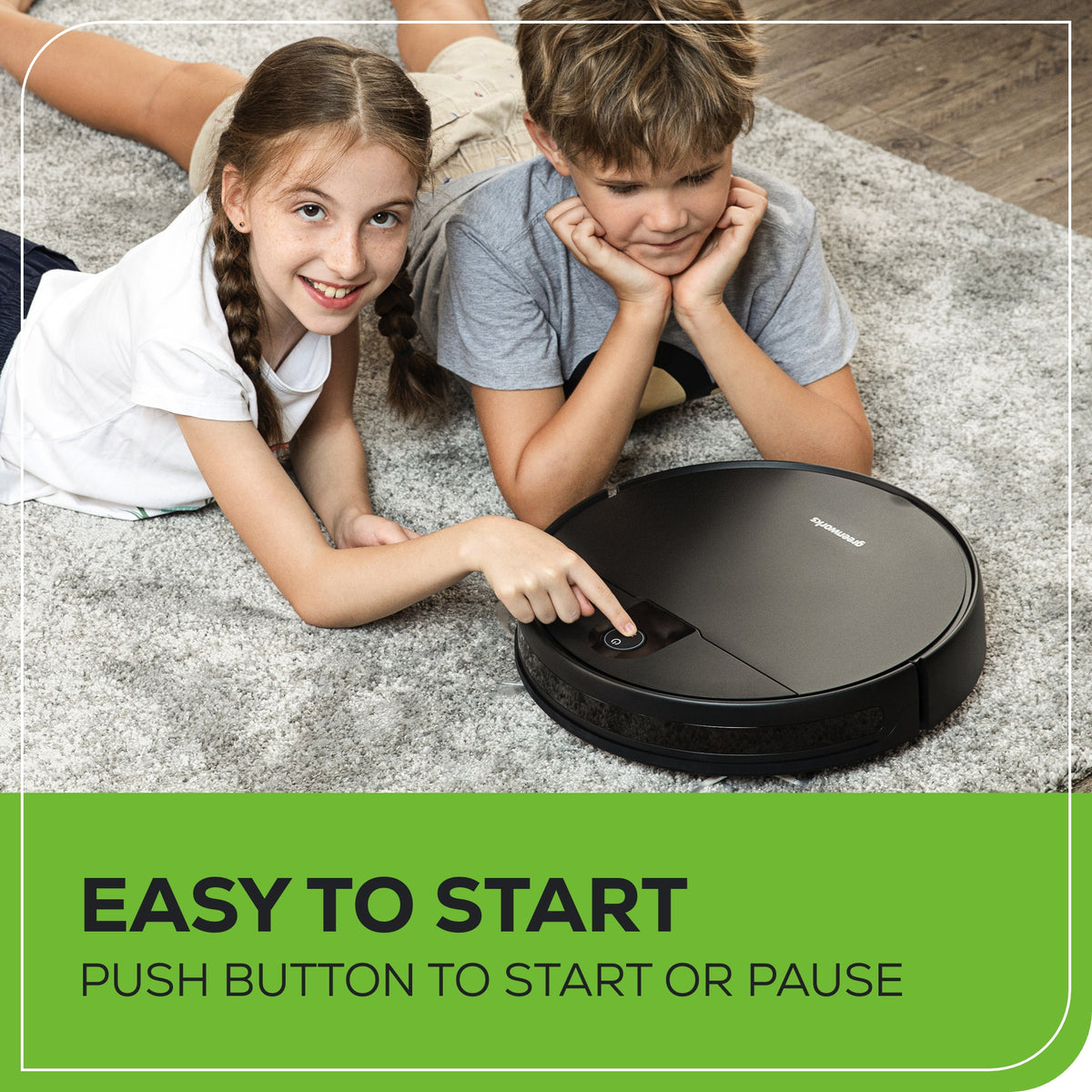
Yes, the mobile app allows you to set a cleaning schedule. Once scheduled, the vacuum will start cleaning automatically and return to the charging dock upon completion.
Setup Tip: Scan the QR code in the owner's manual to download the app and configure your vacuum.
About Greenworks
For over 20 years, Greenworks has pioneered battery-powered tools that replace gas
with cleaner, quieter, smarter performance—trusted by homeowners and
professionals across 500+ products worldwide.
Get it by:
Updating delivery times and availability...
Adding product to your cart
Key Features
90 Minutes Non-stop Cleaning: Cleans nearly 1000 sq ft one charge cycle.
Real-time Drawing of Room Map - Laser navigation and SLAM technology offers intelligent and real-time path planning.
Remote Control Cleaning - Control the robot remotely through the SMARTg APP, even while away.
Four Suction Levels - 2200Pa robotic vacuum cleaner has four suction levels: Quiet, Standard, Medium, Powerful.
Specifications & Guides
Max Suction
2200 PA
Dust Bin
580 ml
Height
3.23"
Battery Capacity
2600mAh
Max Cleaning Capacity
1000 SQ Ft.
Remote Control
SMARTg App
Max Runtime
90 Mins.
Product Specifications
Product Warranty
1-Year
Package Dimensions
20.8" L x 5.4" W x 17.2" H
Product Weight
5 Lbs
Additional Details
Key features
90 Minutes Non-stop Cleaning: Cleans nearly 1000 sq ft one charge cycle.
Multiple Cleaning Modes: Using the SMARTg app, you can select Auto, Spot, Room, or Zone cleaning as well as adjust the suction from Quiet, Standard, Power, and Max modes.
Intelligent Path Planning: Precision navigation plots the most efficient route creating a map and dividing into zones for optimal coverage.
Smart App Controlled: Compatible with Google Assistant, & Alexa, the SMARTg app allows you to program and run your vacuum even when you are not at home.
Auto Docking and Recharging
Powerful Suction: Strong 2200Pa suction removes dirt and debris on a variety of surfaces.
Help & FAQ
Why does my robotic vacuum run off-schedule?
If the vacuum is not following the scheduled cleaning time, try the following:
Uninstall and reinstall the mobile app
Ensure the vacuum is fully charged before syncing it again
What happens if the battery is completely discharged while cleaning?
If the robotic vacuum cannot return to the charging dock on its own (e.g., if it gets stuck), you can manually place it on the charging station. Even with 0% battery, it will begin charging automatically.
Does the vacuum support magnetic strips for zone control?
No, this robotic vacuum does not support magnetic strips. However, it features four cleaning modes:
(A)Wall-Following Mode: The vacuum cleans along walls for 30 minutes before returning to the dock
(B)Spot Cleaning Mode: Direct the vacuum to a specific area via the app, where it will clean in a 1-meter radius spiral.
(C)Quick Cleaning Mode: The vacuum follows a bow-shaped pattern for efficient cleaning.
(D)Scheduled Cleaning Mode: Set a custom cleaning schedule via the app. The vacuum will return to the dock when finished.
How long does the first full charge take?
The initial charge takes approximately 4.5 hours for optimal performance.
Can I schedule weekly cleanings?
Yes, the mobile app allows you to set a cleaning schedule. Once scheduled, the vacuum will start cleaning automatically and return to the charging dock upon completion.
Setup Tip: Scan the QR code in the owner's manual to download the app and configure your vacuum.
About Greenworks
For over 20 years, Greenworks has pioneered battery-powered tools that replace gas
with cleaner, quieter, smarter performance—trusted by homeowners and
professionals across 500+ products worldwide.
Disclaimer: Responses are generated by AI and may be inaccurate. Chats may be monitored, recorded, and stored by us and our vendors. By using this service, you agree to our Terms of Service and acknowledge our Privacy Policy.



 View More


